 3 Months
Office & Accounting
MS Office
Master Word, Excel and PowerPoint with the practical office skills employers actually ask for.
Start from zero and build the everyday computer confidence every job expects.
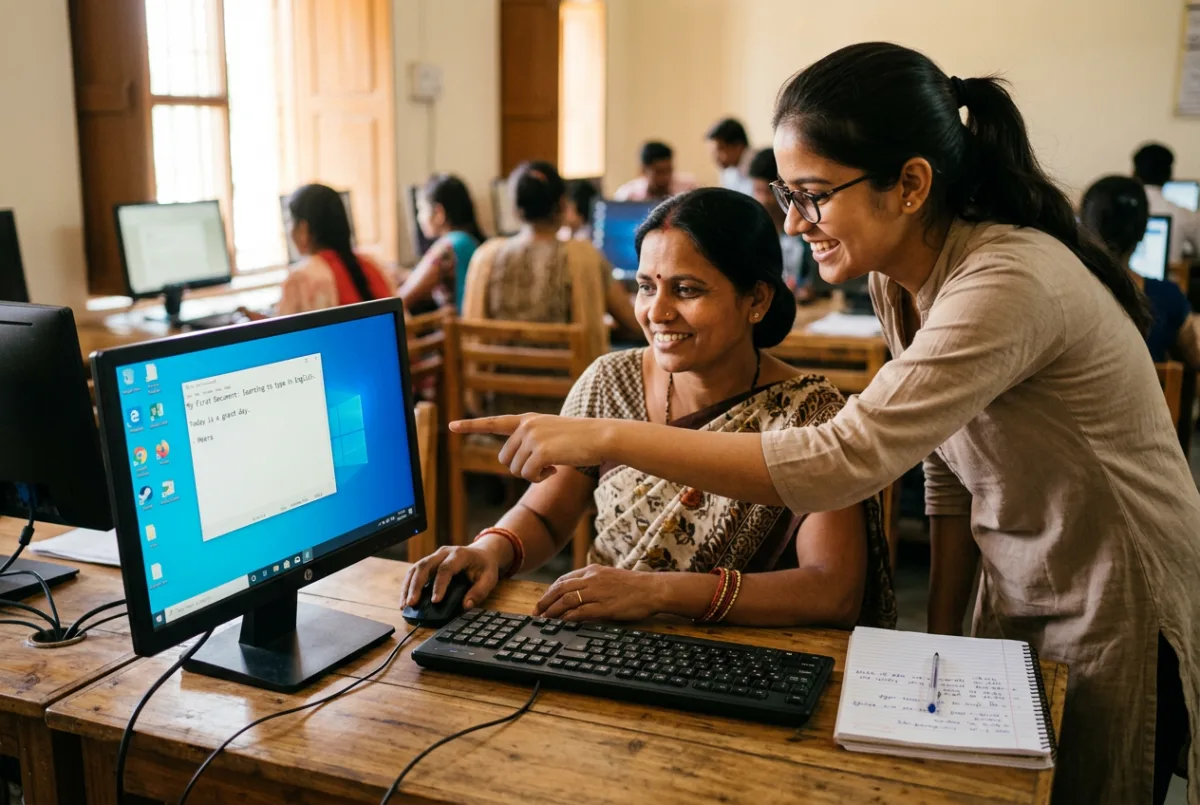
Computer Basics is the perfect starting point if you have never used a computer, or if you know a little and want to become genuinely comfortable with everyday digital work. The course moves step by step, with plenty of supervised lab time, so you are never left guessing.
You will learn how a computer works, how to manage files, type accurately, browse the internet safely, send professional emails and create your first documents and spreadsheets. It is the foundation course for MS Office, Tally, design software and every advanced programme at the institute.
Who is it for? School and college students, homemakers, shop owners, job seekers and working professionals who want to stop feeling lost around computers.
Almost every job today begins with a computer. This course removes the fear of technology and gives you a practical base you can build on for the rest of your career.
Module-wise curriculum followed in class, with practice assignments after each module.
| Start date | Timing | Shift | Mode | Seats | |
|---|---|---|---|---|---|
| 17 Nov 2026 | 4:00 PM – 5:00 PM | Evening | Offline | 14 seats available |
Combine Computer Basics with a related skill to strengthen your resume.
3 Months
Master Word, Excel and PowerPoint with the practical office skills employers actually ask for.
 3 Months
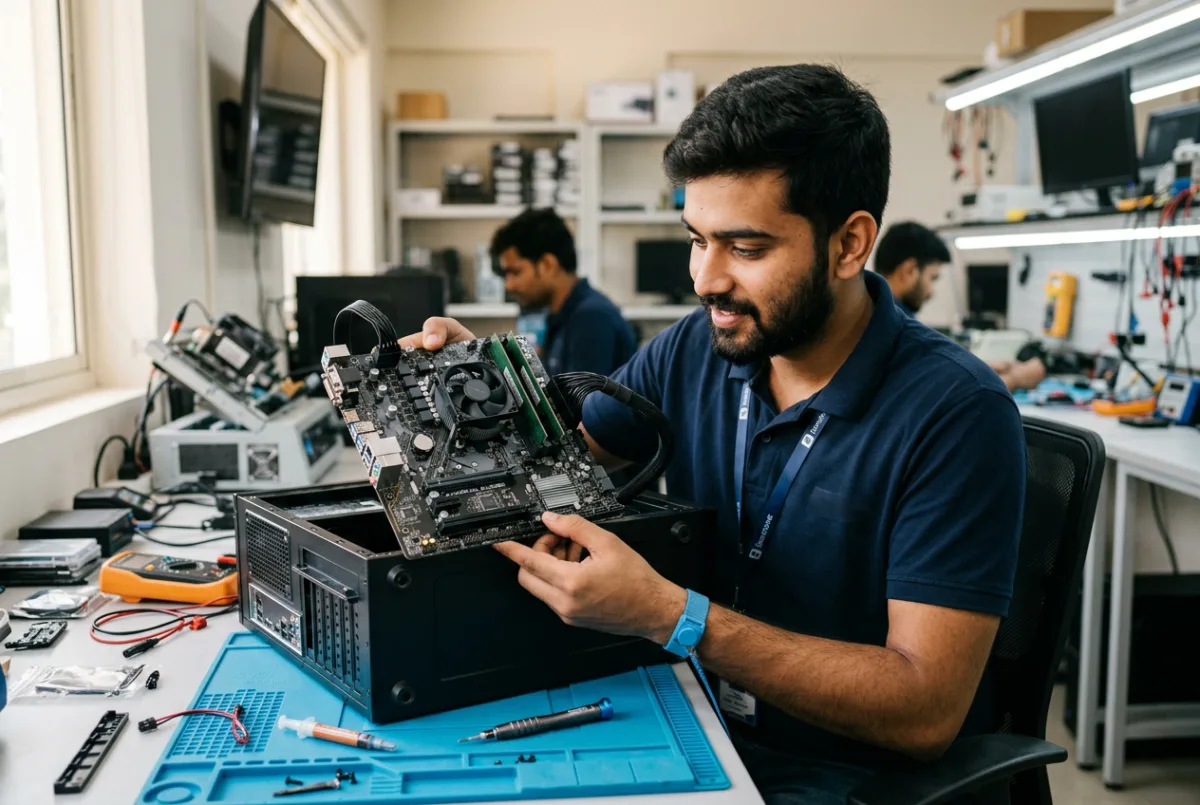
Learn to assemble, install, diagnose and repair desktop computers with real hardware practice.
 3 Months
Learn TallyPrime with GST — accounting entries, invoicing, inventory and tax reports.
Talk to our counsellor about the right course, batch timing and admission process. No pressure — just honest guidance.