+91 98765 43210 info@hatimcomputers.in Mon – Sat: 9:00 AM – 8:00 PM
Admissions open for the next batch
Hatim Computers Learn. Build. Grow.
+91 98765 43210 info@hatimcomputers.in Mon – Sat: 9:00 AM – 8:00 PM
Graphic Designing

CorelDRAW

Create logos, brochures and print-ready flex designs with professional vector workflow.

Course overview

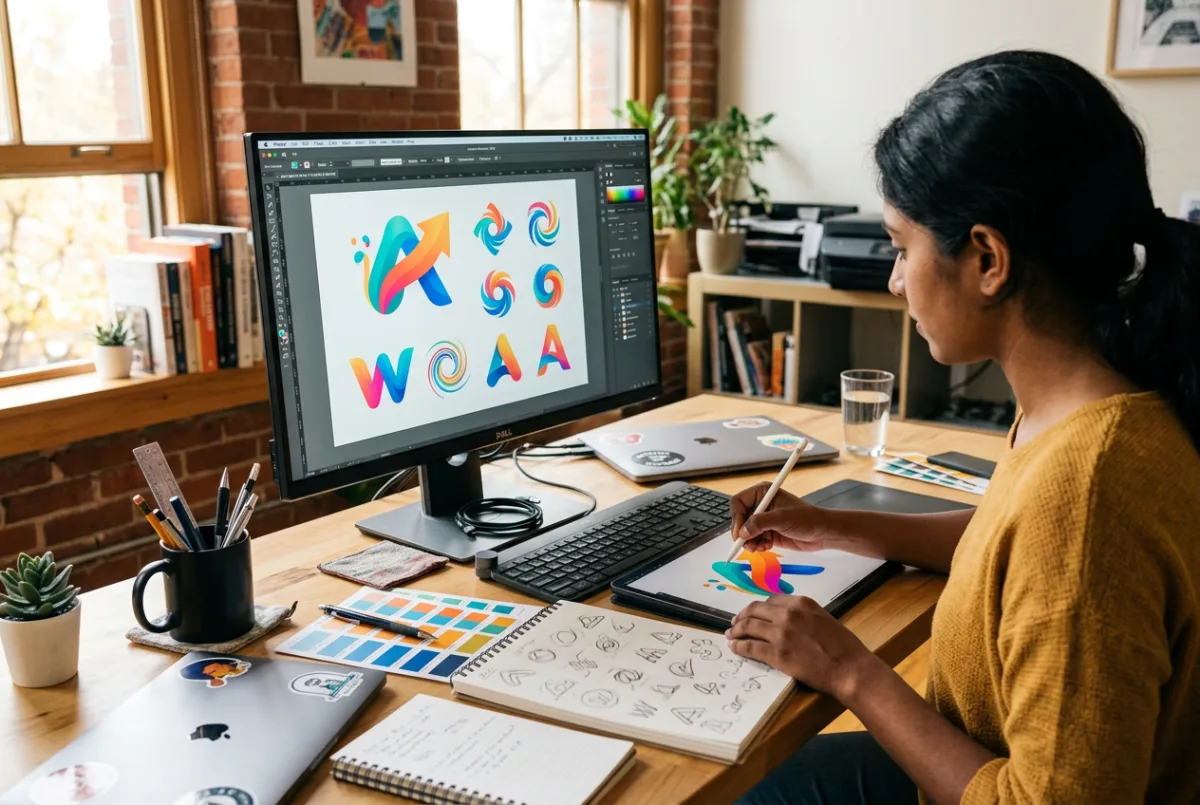
CorelDRAW is widely used in print shops, advertising agencies and local businesses for logos, banners, brochures, visiting cards and flex boards. This course focuses on vector design and production-ready output.

You will learn drawing tools, typography, colour management and print setup while working on real design formats — the same skills used by professional print designers every day.

Who is it for? Print shop operators, graphic designers, advertising assistants and anyone interested in logo and layout design.

Why learn CorelDRAW

Local businesses constantly need banners, boards, cards and brochures. CorelDRAW skills are practical, in demand and can lead to work in print shops or freelance design.

  • Learn production standards for real print work
  • Logo and branding projects for your portfolio
  • Understand bleed, margins and colour modes
  • Combine with Photoshop for complete design skills

Skills you gain

  • Vector illustration
  • Logo design
  • Brochure and flyer layout
  • Flex banner design
  • Visiting cards and stationery
  • Print-ready file setup
  • Typography and colour

Career options

  • Graphic Designer
  • Print Designer
  • DTP Operator
  • Print Shop Designer
  • Freelance Logo Designer

Detailed syllabus

Module-wise curriculum followed in class, with practice assignments after each module.

Workspace, toolbars, page setup, document navigation, rulers and guides.

Lines, curves, shapes, shaping tools, weld, trim, intersect and node editing.

Colour palettes, gradients, fills, outlines, font pairing, text on path and paragraph text.

Concept development, grid construction, symbol design, typography lockups and brand presentation.

Visiting cards, letterheads, flyers, brochures and menu cards with proper margins.

Large-format sizing, scale, readability, output setup and common flex production requirements.

Bleed, CMYK, resolution, converting to curves, PDF export and print checklist.
Request the full syllabus PDF

Upcoming batches

Start date Timing Shift Mode Seats
05 Dec 2026 3:00 PM – 4:30 PM Afternoon Offline 11 seats available

CorelDRAW FAQs

They serve different purposes. CorelDRAW is best for vector and print work; Photoshop is best for photo editing and raster design.

Yes. Bleed, CMYK, resolution and export checks are covered in detail.

No. The course teaches tools and layout techniques; practice and observation matter more than natural drawing ability.

Yes, many small businesses need logos, cards and banners. The course prepares you with portfolio projects.
Related programmes

Students also explore these courses

Combine CorelDRAW with a related skill to strengthen your resume.

All courses
Photoshop training at Hatim Computers 2 Months
Graphic Designing

Photoshop

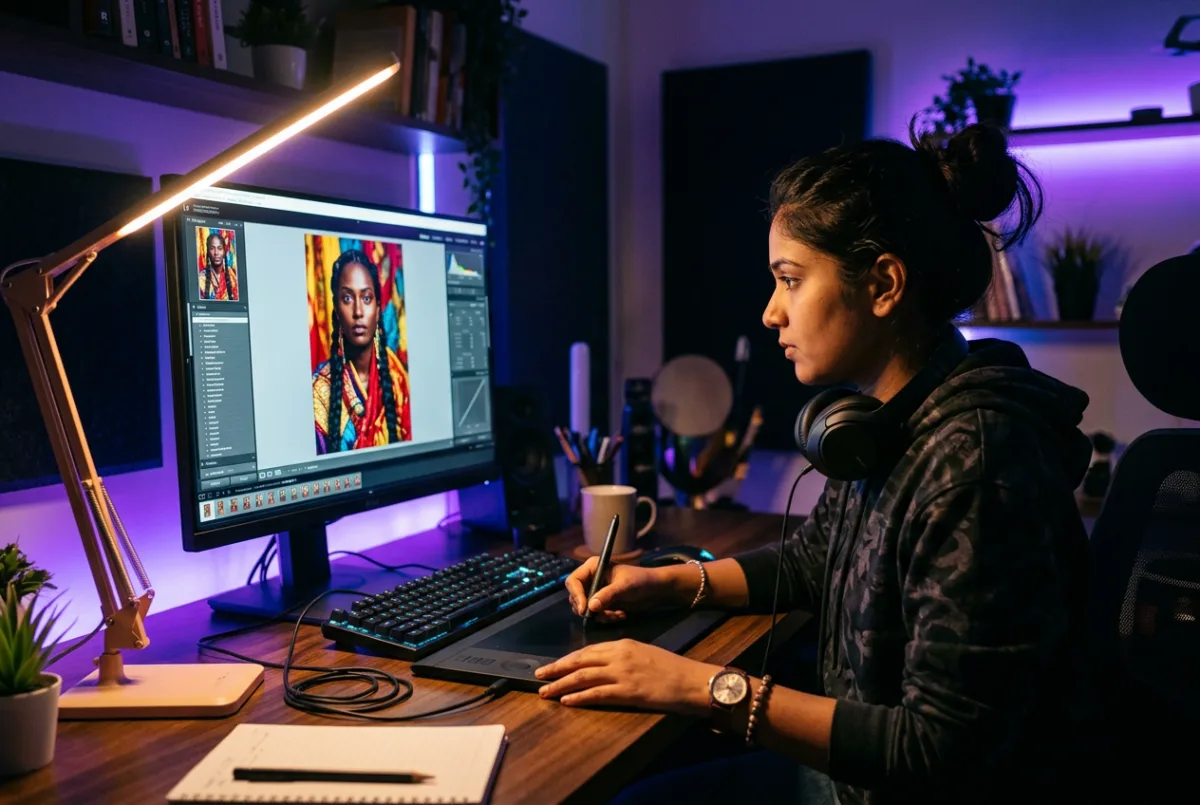
Design professional social media creatives, posters and retouched photos with Adobe Photoshop.
Offline / Online Certificate
View Details
MS Office training at Hatim Computers 3 Months
Office & Accounting

MS Office

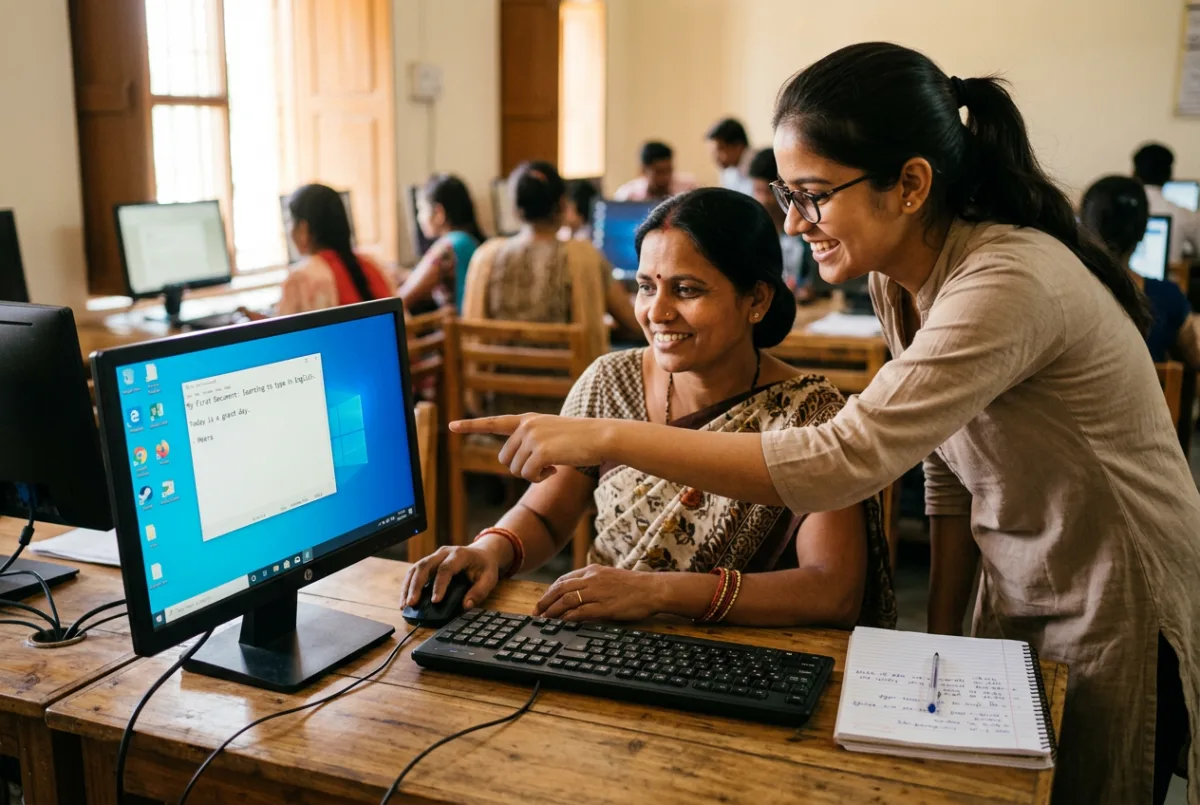
Master Word, Excel and PowerPoint with the practical office skills employers actually ask for.
Offline / Online Certificate
View Details
Computer Hardware training at Hatim Computers 3 Months
Hardware & Networking

Computer Hardware

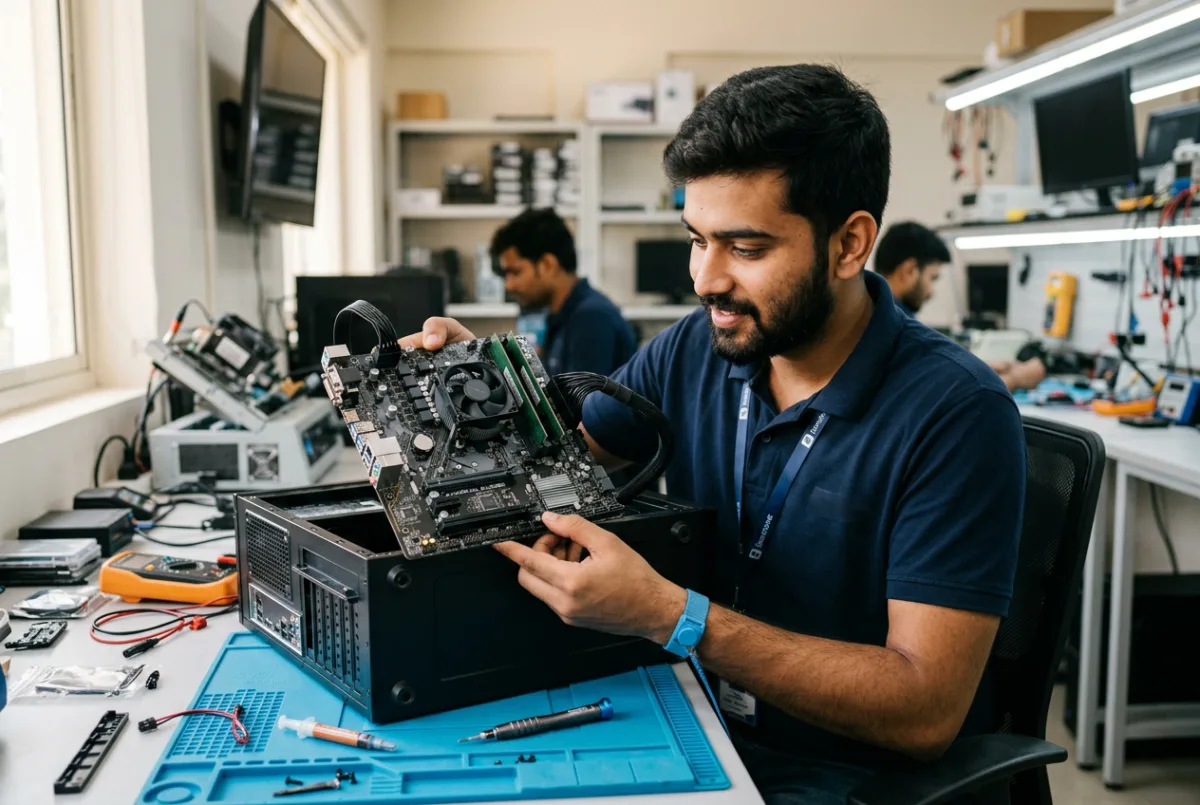
Learn to assemble, install, diagnose and repair desktop computers with real hardware practice.

Offline (lab based) Certificate
View Details
Take the next step

Ready to Build Your Career?

Talk to our counsellor about the right course, batch timing and admission process. No pressure — just honest guidance.

+91 98765 43210
Chat on WhatsApp Call now
Call WhatsApp