+91 98765 43210 info@hatimcomputers.in Mon – Sat: 9:00 AM – 8:00 PM
Admissions open for the next batch
Hatim Computers Learn. Build. Grow.
+91 98765 43210 info@hatimcomputers.in Mon – Sat: 9:00 AM – 8:00 PM
Graphic Designing

Photoshop

Design professional social media creatives, posters and retouched photos with Adobe Photoshop.

Course overview

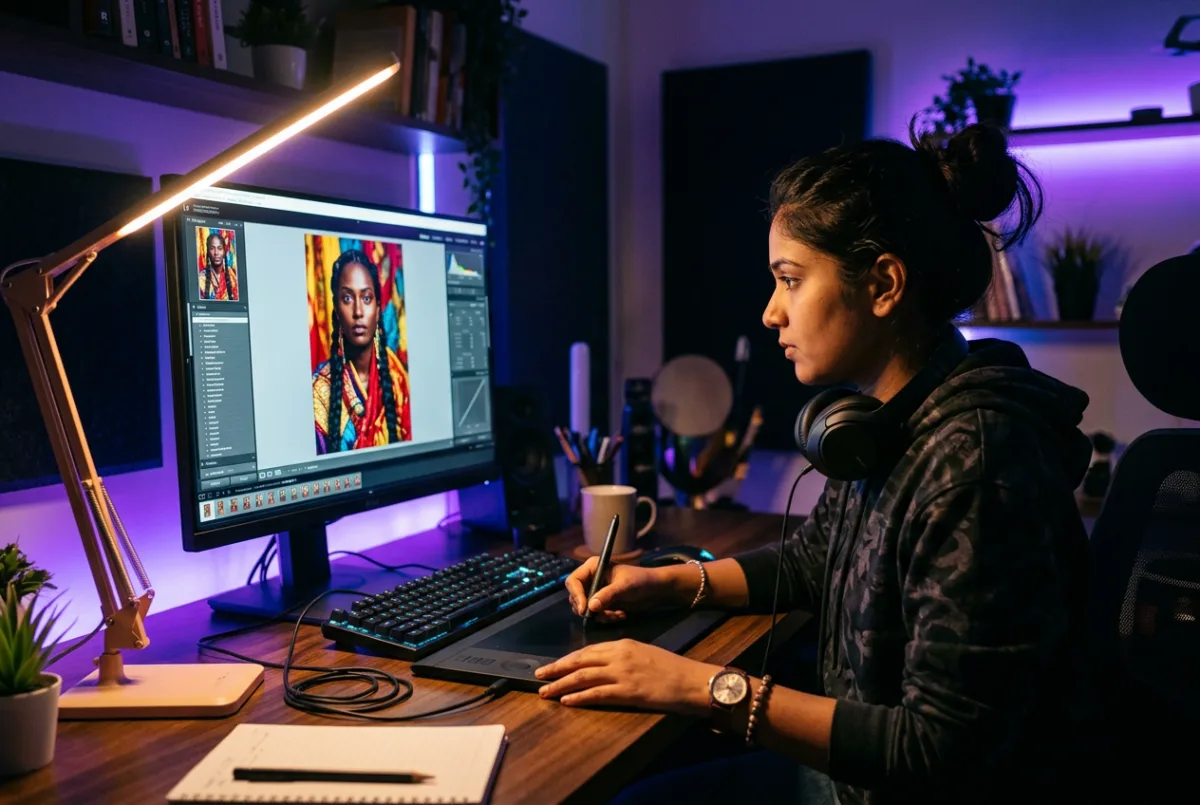
Photoshop is the industry standard for photo editing and raster design. This practical course takes you from the tool panel to finished, client-ready work: retouched portraits, product images, social media posters and print designs.

You will learn layers, selections, masks, colour correction, typography and export settings through projects, building a portfolio you can show on freelance platforms or in interviews.

Who is it for? Aspiring graphic designers, social media creators, photographers, print shop staff and anyone who wants professional visual content.

Why learn Photoshop

Visual content drives attention online and offline. Photoshop skills open freelance work, social media jobs and a pathway into full graphic design careers.

  • Project-based classes with real design briefs
  • Portfolio-ready work by the end of the course
  • Learn print and digital export standards
  • Strong foundation for CorelDRAW and UI design

Skills you gain

  • Layers and selections
  • Photo retouching
  • Masking and compositing
  • Colour correction
  • Social media creatives
  • Poster and print design
  • Export settings for web and print

Career options

  • Graphic Designer
  • Photo Editor
  • Social Media Creative Designer
  • Freelance Designer
  • Print Production Assistant

Detailed syllabus

Module-wise curriculum followed in class, with practice assignments after each module.

Workspace, tool panel, documents, resolution, colour modes, artboards and preferences.

Marquee, lasso, magic wand, quick selection, layer basics, blending modes and groups.

Healing, clone stamp, spot healing, dodge and burn, skin retouching and blemish removal.

Layer masks, clipping masks, cutouts, smart objects and combining multiple images.

Levels, curves, hue and saturation, colour balance, camera raw basics and colour grading.

Text tools, fonts, alignment, social media post layout, posters, flyers and thumbnails.

Web and print export, compression, print resolution and a final multi-piece portfolio.
Request the full syllabus PDF

Upcoming batches

Start date Timing Shift Mode Seats
20 Nov 2026 2:00 PM – 3:30 PM Afternoon Offline 6 seats available

Photoshop FAQs

Yes. The course starts from the interface and tools, so no prior design experience is needed.

Yes. You complete posters, social creatives and retouching projects suitable for a beginner portfolio.

The lab provides Photoshop for practice. Students can also use a personal Adobe subscription.

You will have the practical foundation to take small design projects. Freelance success also depends on practice and client work.
Related programmes

Students also explore these courses

Combine Photoshop with a related skill to strengthen your resume.

All courses
CorelDRAW training at Hatim Computers 2 Months
Graphic Designing

CorelDRAW

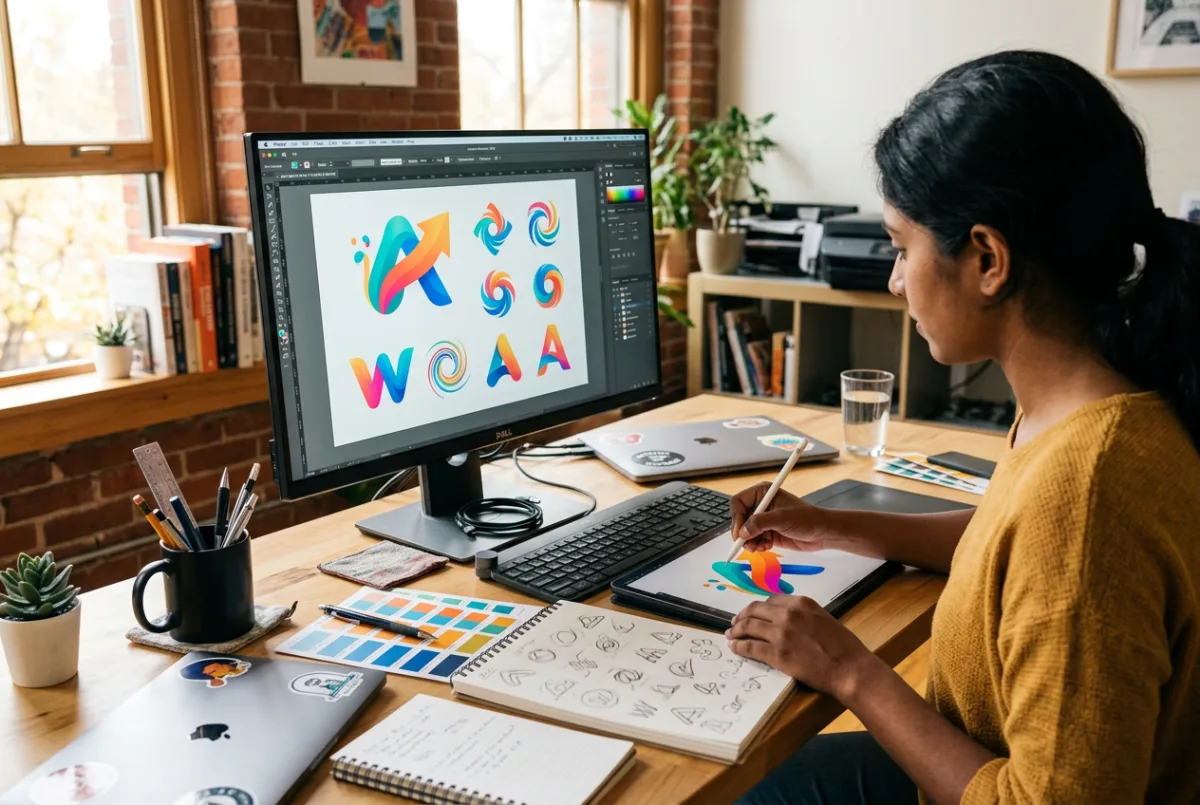
Create logos, brochures and print-ready flex designs with professional vector workflow.
Offline / Online Certificate
View Details
MS Office training at Hatim Computers 3 Months
Office & Accounting

MS Office

Master Word, Excel and PowerPoint with the practical office skills employers actually ask for.
Offline / Online Certificate
View Details
Computer Hardware training at Hatim Computers 3 Months
Hardware & Networking

Computer Hardware

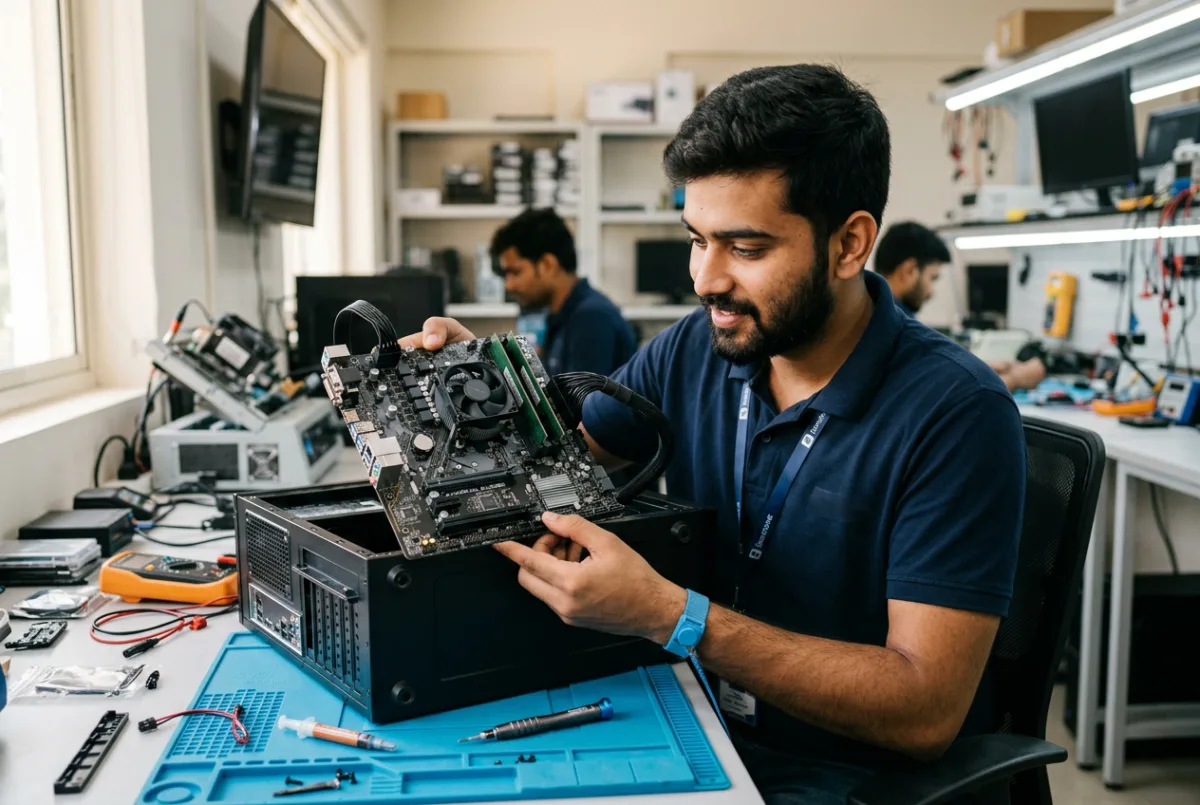
Learn to assemble, install, diagnose and repair desktop computers with real hardware practice.

Offline (lab based) Certificate
View Details
Take the next step

Ready to Build Your Career?

Talk to our counsellor about the right course, batch timing and admission process. No pressure — just honest guidance.

+91 98765 43210
Chat on WhatsApp Call now
Call WhatsApp